Without ThumbLens
- Tiny PDF
- Awkward zoom
- Screen rotates
- Hunt for the next ticket
 ThumbLensDownload
Free on smartphones
Open your tickets, PDFs or photos. ThumbLens finds their QR codes and presents them clearly — with no unwanted rotation or screen lock.


Unlimited QR presentation, free.
One ticket, one family, several QR codes: ThumbLens prepares them for you.
When the check begins
No more zooming, rotating and reframing every ticket. ThumbLens turns those stressful seconds into one simple gesture.
One PDF, one photo or several documents at once.
Every detected 2D code becomes instantly accessible.
Clean margins, a stable screen and the right QR at the right time.
The 22-second demo
In Files, select your tickets and open them with ThumbLens. The app frames the QR code automatically and keeps all three documents within reach.
Real iOS interface captured in the simulator · fictional, invalid tickets.

The line keeps moving. So do you.
Actually free
The free version is a complete everyday app — not a demo that gets in your way at the worst moment.
2D codes found, framed and browsed with no limit.
Frame, move and zoom naturally in any image or PDF.
The Pro shortcut
From Files, Photos or another app, select several documents and choose “Extract QR codes”. ThumbLens Pro gathers every detected code into a slideshow that is immediately ready to present.
Opening documents normally in ThumbLens and presenting their QR codes remains free. The Pro shortcut simply removes several steps.
The ThumbLens interface
Thanks to its original, patented interface, you keep a complete view of the page. The coral targeting window shows the selected area. Above it, the reading zone displays that region at the best available quality.
Smart framingAutomatically finds a point of interest.
Progressive zoomA precise side control, natural to use in one gesture.
Intuitive gesturesDouble-tap to frame a specific area clearly.
Compatible with PDFs and images on your smartphone
ThumbLens Pro
Present QR codes for free. Move from image to action with ThumbLens Pro.
One shared counter for all Pro features: OCR extraction, clean captures and the QR shortcut. Each use deducts one trial.
Beyond tickets
Professional media kit
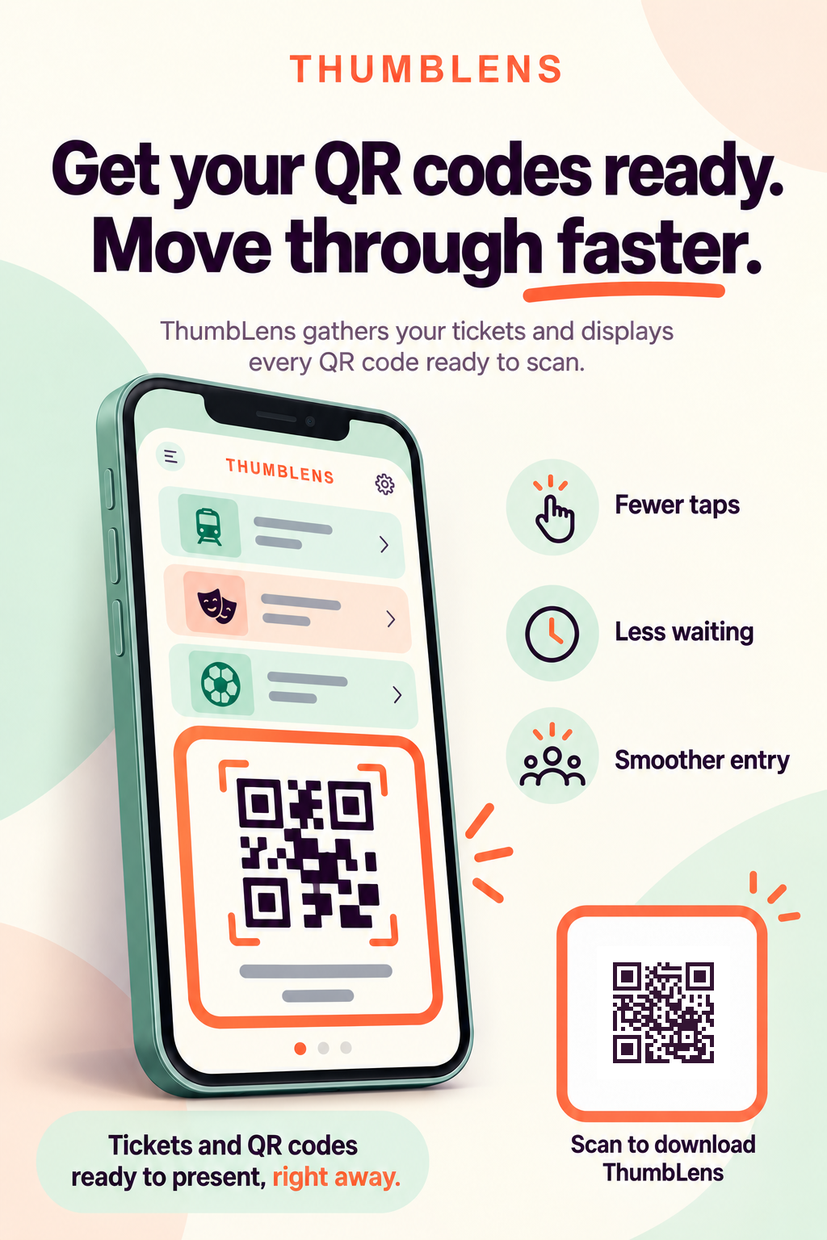
Encourage visitors to prepare their tickets with ThumbLens. Fewer taps at the gate, less waiting and smoother entry: every saved minute scales across every checkpoint.
Print-ready postersA3, A4 and A5 formats.
Displays and social media16:9 and square formats.
Smart download QRApp Store on iPhone, Google Play on Android.
US English kitEvery asset in one consistent language.
A US English kit ready to print and display.
 PDF
PDFPDFs, images, QR codes and extractions are processed locally on your device. No document is sent to Forecomm and no ThumbLens account is required.
FAQ
ThumbLens detects QR and other 2D codes in your documents, then presents them so a gate, inspector or another device can scan them.
Yes. Opening documents in the app, finding, displaying and browsing their QR codes stays free with no limit.
From another app’s action sheet, it extracts every QR from several files and gathers them directly into a slideshow.
Yes. ThumbLens opens several PDFs or images and lets you move between files and pages.
No. Display rotation and framing never alter the original document.
No. Document analysis is local. External sharing only happens when you deliberately choose a destination app.
So your QR remains ready at a check, ThumbLens can keep the screen on while a document is open and the app is in front.
Yes. You control this behaviour in the app settings.
No. ThumbLens Pro is a one-time, non-consumable purchase.
Yes. “Restore purchase” syncs purchases for the corresponding Apple or Google account. Without a ThumbLens account, purchases cannot transfer across platforms.
The interface is available in 14 languages. OCR currently supports French, English, Spanish, Italian, German, Portuguese and Dutch documents. QR codes work independently of language.
Unlimited QR presentation, free. Advanced features available with ThumbLens Pro.